EVStream Updates: UI Improvements
June 13, 2026 · 3 min read
At EVStream, we're constantly working to improve the user experience and make IPTV streaming in your EV simpler and more intuitive.
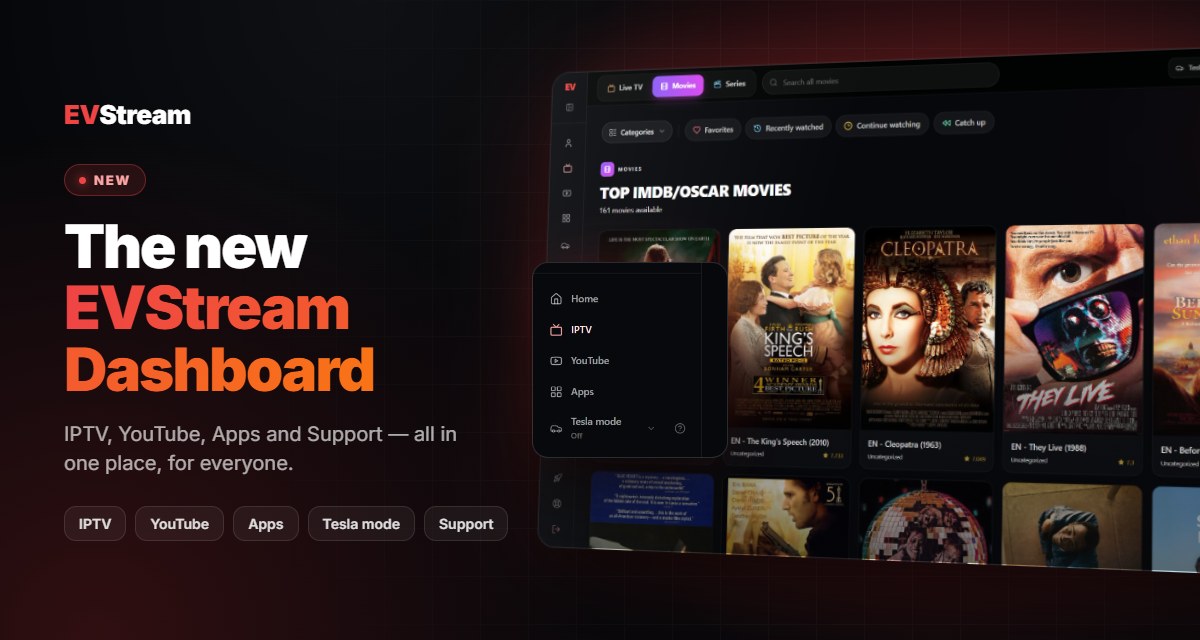
Based on feedback from our users, we've released several updates focused on navigation, playlist management, and overall usability. These improvements are designed to help you access your content faster and manage your playlists more efficiently.
New Navigation Menu
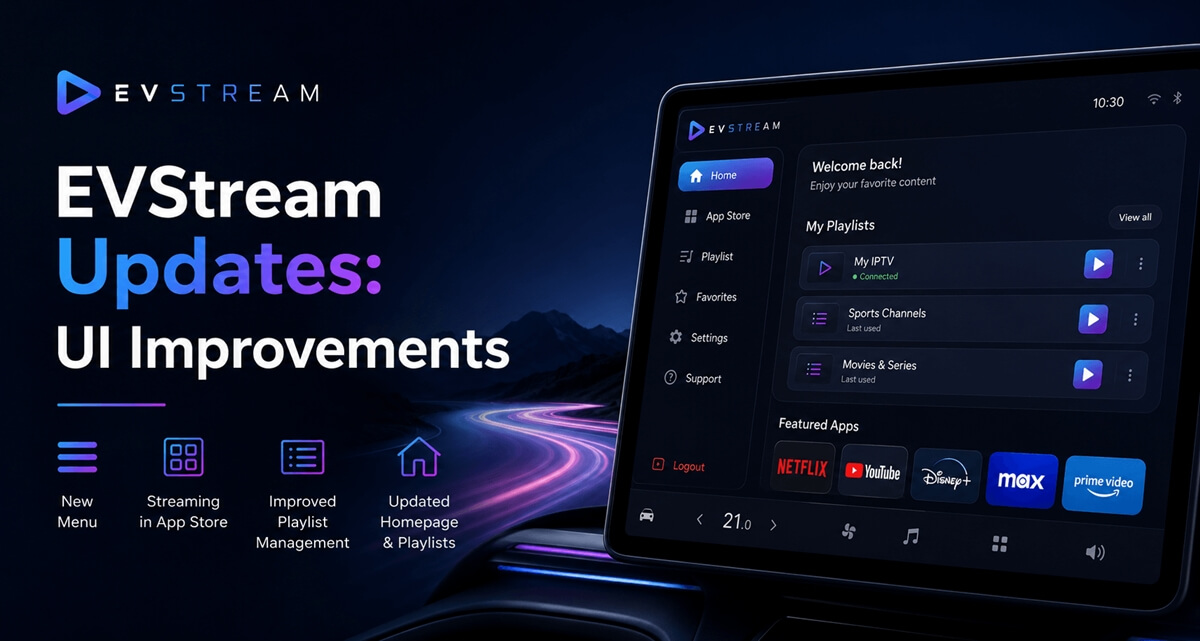
We have redesigned the navigation menu to make it cleaner and easier to use.
The updated menu structure provides quicker access to important sections of EVStream and reduces unnecessary navigation steps, helping you find what you need faster.

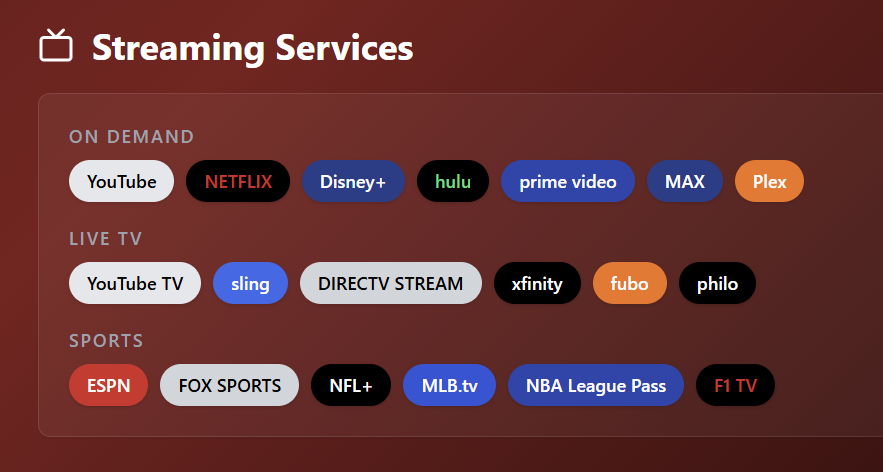
Streaming Services Moved to App Store
To simplify the platform structure, we have removed the dedicated Stream page.
Streaming services are now integrated directly into the App Store section, giving users a more centralized experience when browsing apps, games, and streaming options.
This change reduces confusion and makes it easier to discover everything EVStream offers from a single location.
Improved Playlist Management
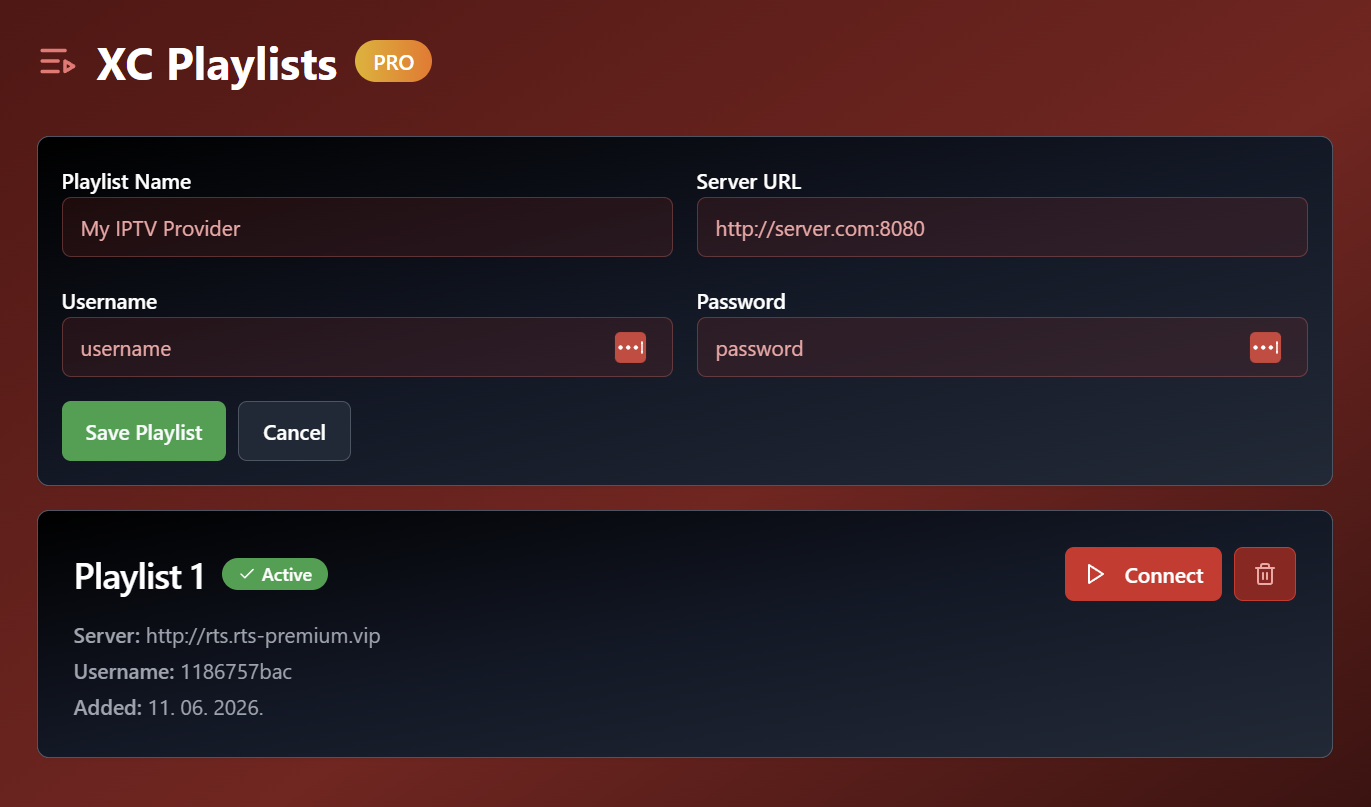
One of the most common pieces of feedback we received was that managing multiple playlists could become difficult, especially for users who saved several IPTV connections.
To address this, we introduced a dedicated Playlist page at /playlist.
The new page makes it significantly easier to:
- View all saved playlists
- Connect directly to any playlist
- Manage existing playlists
- Add new playlists
- Quickly switch between providers
Our goal was to reduce the number of clicks required and make playlist management more intuitive.
Homepage Improvements
Previously, logged-in users were automatically redirected away from the homepage.
With this update, you can now visit the homepage even when logged in and use it as a central dashboard for your EVStream account.
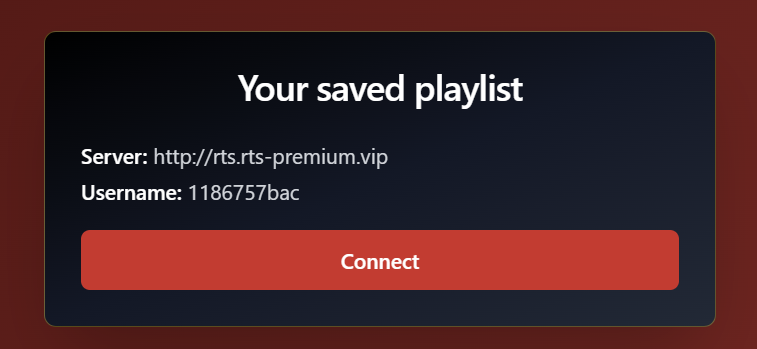
In addition, your saved playlists are now displayed directly on the homepage, allowing you to quickly connect to your favorite IPTV services without navigating through multiple pages.
What's Next?
These updates are part of our ongoing effort to make EVStream easier to use and more enjoyable for EV owners who rely on IPTV streaming during charging stops and travel.
We're continuously listening to feedback and working on new improvements, features, and optimizations.
If there is a feature you would like to see in EVStream, we'd love to hear from you.
Thank you for being part of the EVStream community, and enjoy your streaming!
Open your Tesla browser and try it today
Charge your car. Stream your favorites.
Launch EVStream.app